An MPD client focused on usability — flexible browsing, powerful search, and effortless queue management for libraries of any size.
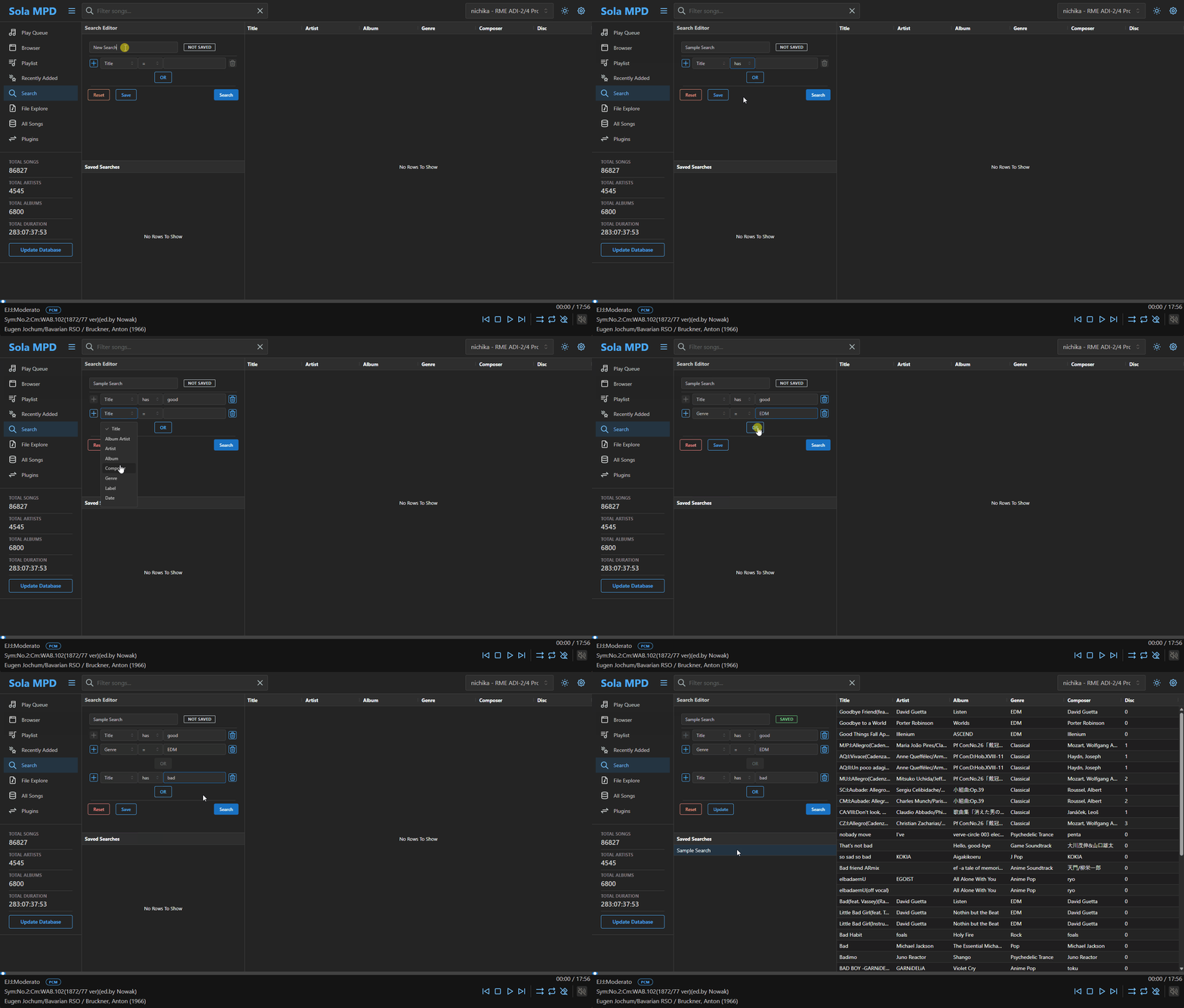
Combine equals, not-equals, contains, and regex conditions with AND/OR. Save searches as smart playlists, inspired by MusicBee.
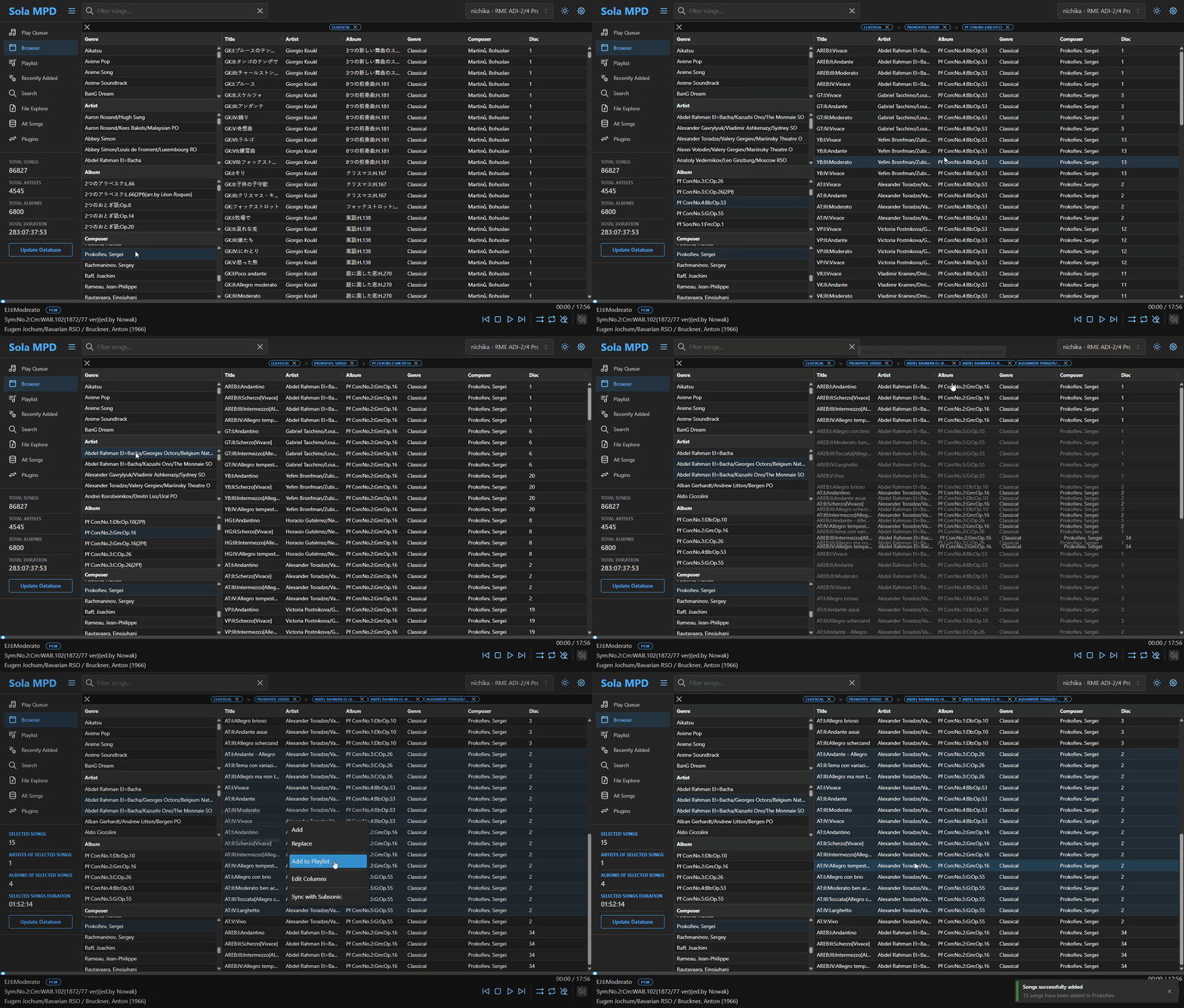
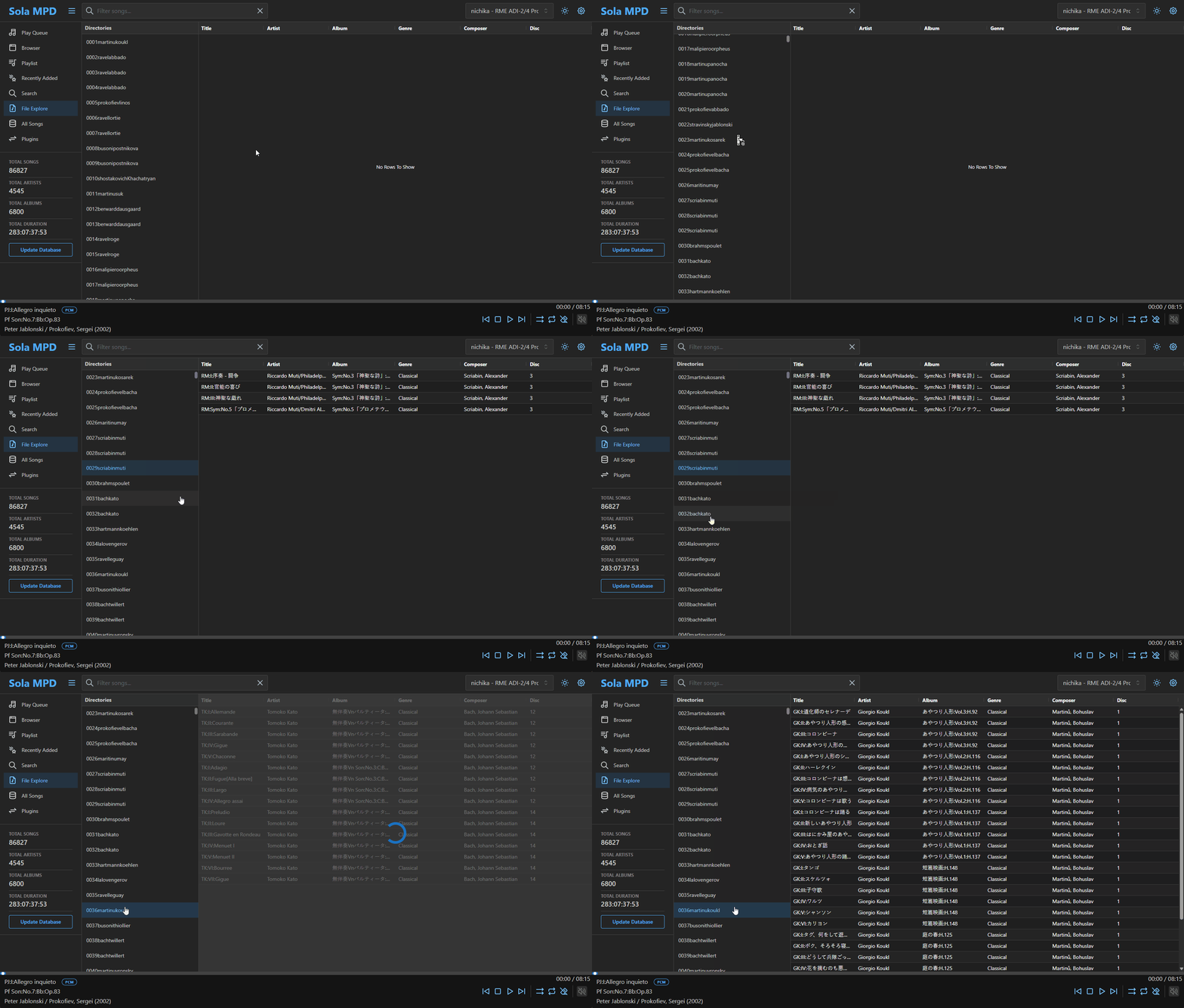
Navigate by artist, album, genre and more — inspired by GMPC. A quick filter box narrows results on the fly.
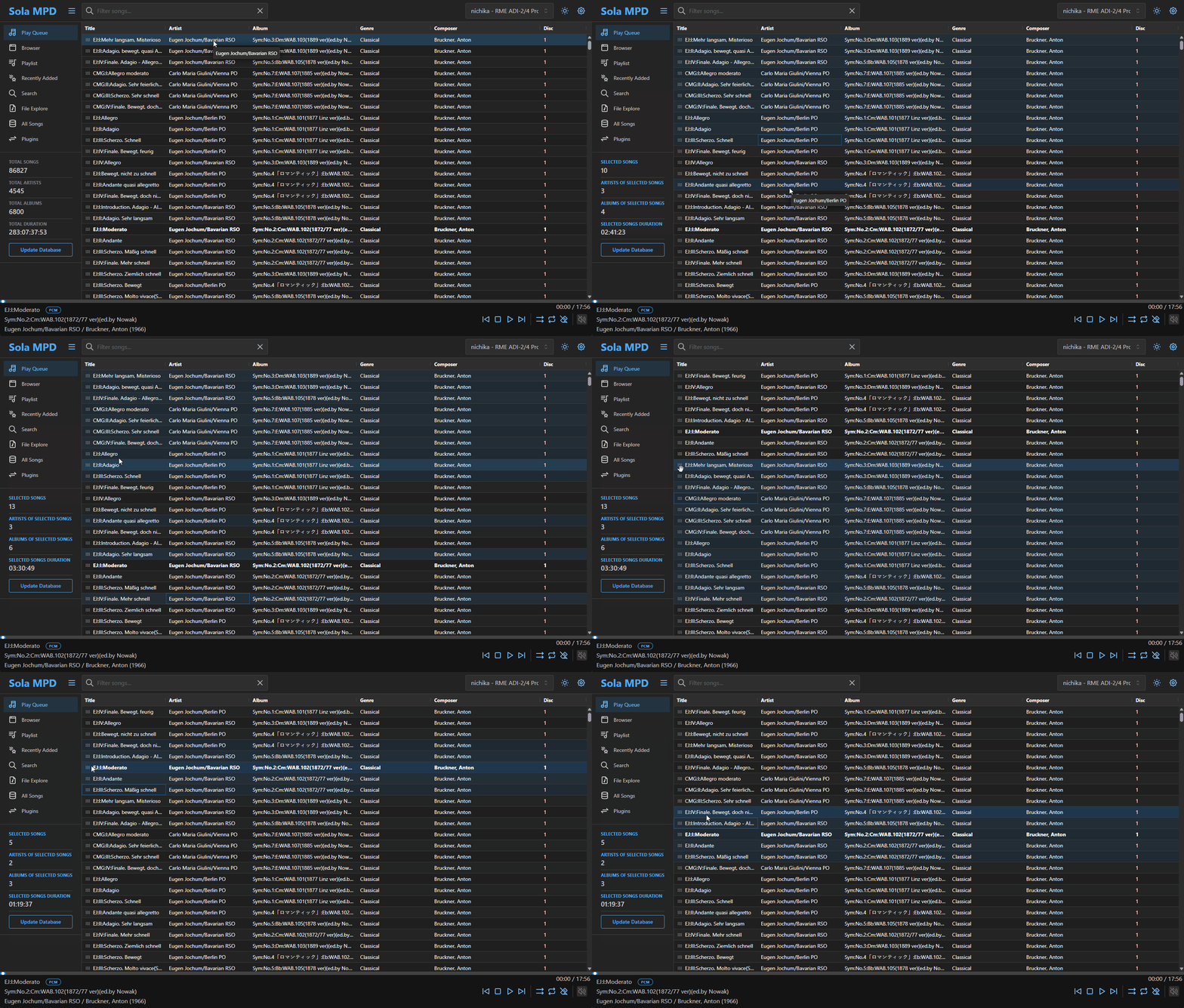
Powered by AG Grid. Reorder and resize columns by drag & drop, sort by any column, and range-select with Shift or multi-select with Ctrl.
Integrate with external services through plugins. A Subsonic plugin is bundled to sync playlists with any Subsonic-compatible server.
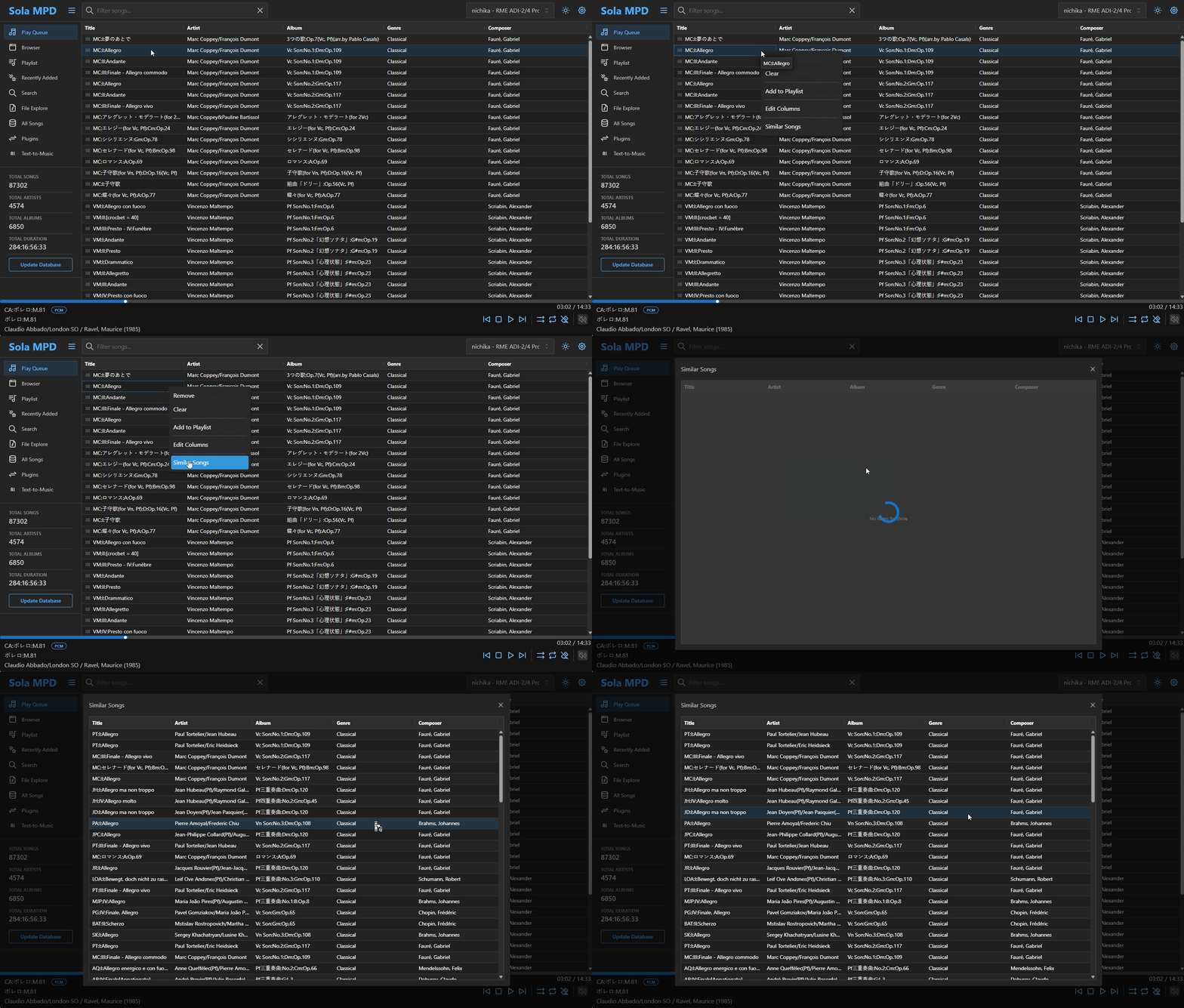
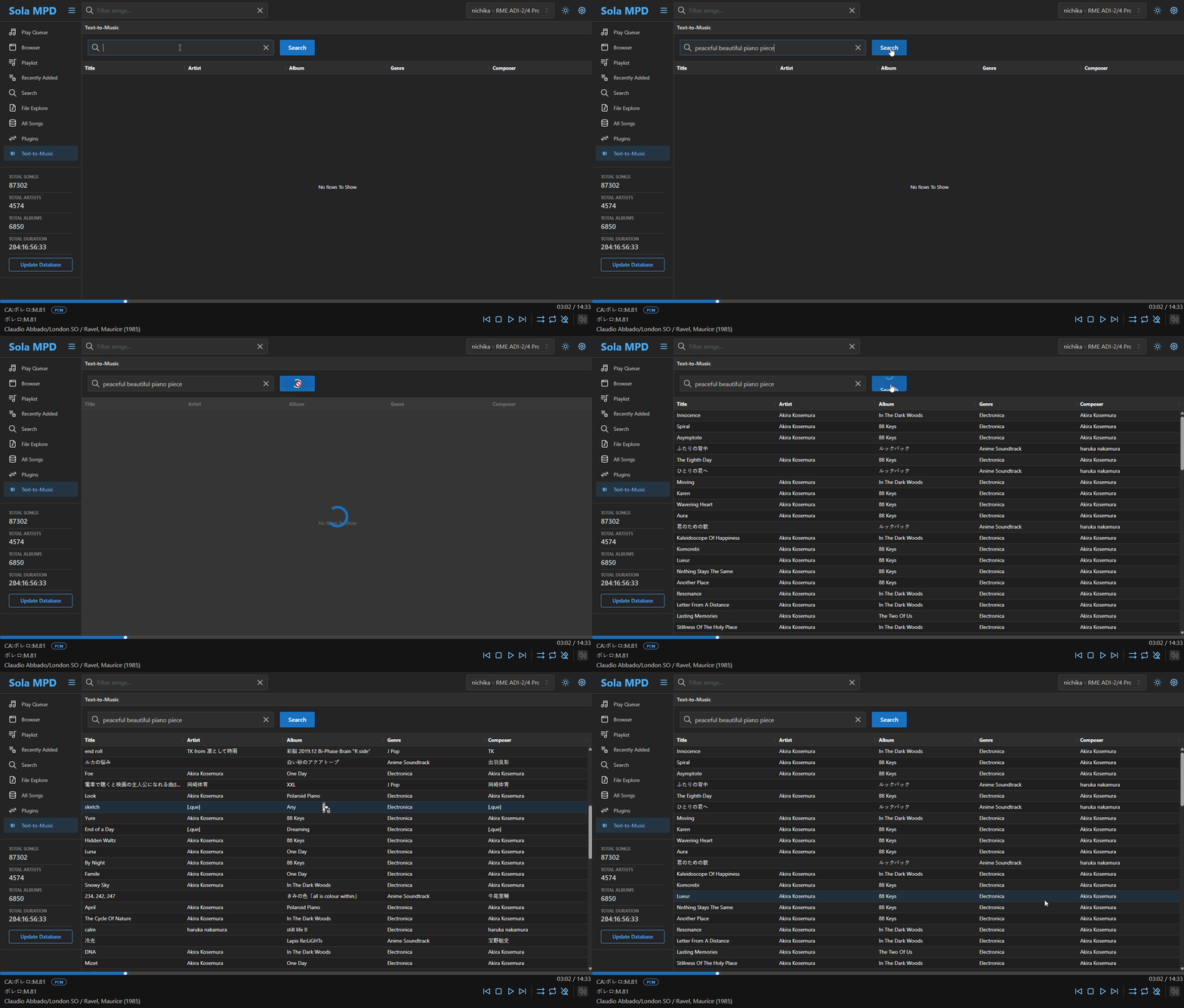
Text-to-Music and similarity search powered by MuQ / MuQ-MuLan via lainbow. Additional setup, an NVIDIA GPU, and some engineering skill are required.
Drive playback and analyze your library from LLM clients (Claude Code, Claude Desktop, etc.) over the Model Context Protocol. Includes structured analytics tools and a read-only SQL view of the library for multi-angle questions.
Register and switch between multiple MPD servers from a single client — ideal for managing different libraries or rooms.
Build and rearrange the play queue. Manage MPD playlists with full keyboard and context-menu support.
Tablet and mobile layouts with touch gestures. Built-in dark theme.
Deploy Sola MPD on any server in your local network that can reach your MPD server. Requires MPD 0.21 or later, plus Docker and Docker Compose on the host.
docker psgit clone https://github.com/prokosna/sola_mpd.git
cd sola_mpd
git checkout $(git tag --sort=-v:refname | head -n 1)docker compose up -dIf MPD runs on the same host as Docker (default bridge network), use host.docker.internal instead of localhost when entering the MPD endpoint.
Pre-built installers for Windows, macOS and Linux are available on the Releases page.
The desktop build is experimental and may have limitations compared to the web application. The Docker web app remains the primary, recommended distribution.